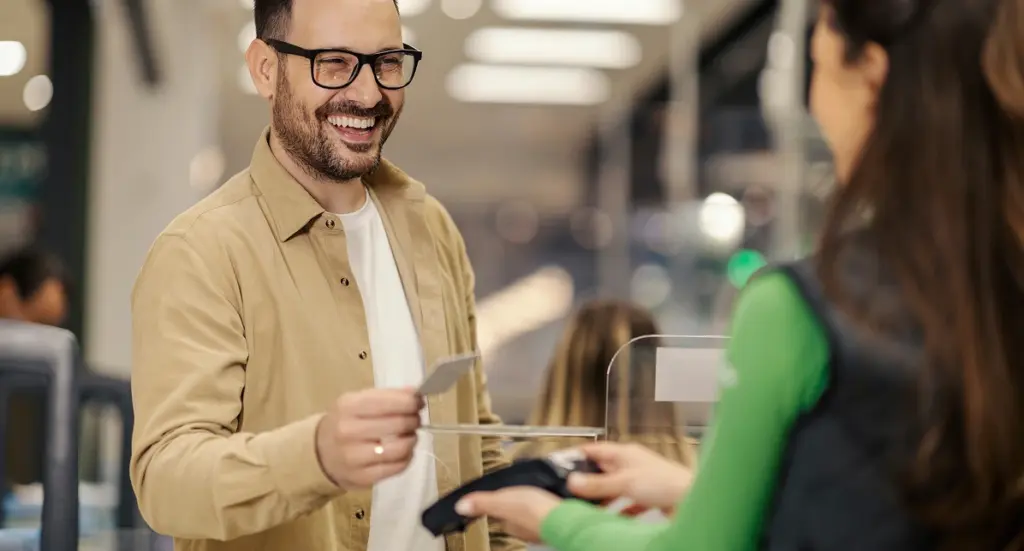

A description of card-linked loyalty only goes so far. This video shows exactly what happens at the counter — what the merchant sees, what the customer sees, and how the entire enrollment flow completes in a single transaction.
What you’re seeing in this demo
- 0:00 — Enroll & Pay runs natively on the Dejavoo P-Line. No separate device, no additional hardware on the counter.
- 0:15 — The customer taps, dips, or swipes their card to pay as normal. Nothing changes about the payment experience.
- 0:25 — Immediately after payment, the terminal displays a loyalty enrollment offer. One tap and the card is registered.
- 0:40 — The customer sees their reward confirmed on screen instantly. Their card is now their loyalty card for every future visit.
Staff don’t need to do anything extra. The enrollment prompt appears automatically after every qualifying transaction — so the program runs itself even on your busiest days.
The numbers behind what you’re watching
- 50–90% auto-enrollment rate at live locations
- 20x higher customer conversion than traditional loyalty methods
- Under 30 seconds from first payment to enrolled loyalty member
Which terminals does this run on?
The demo above is on the Dejavoo P-Line (P1, P3, P8). PAX integration is complete with merchant deployment now underway. Contact us if you’re on a different platform.
What does setup look like?
- Activate on your existing terminal — If Enroll & Pay is already installed on your terminal, activation takes minutes.
- Choose your reward structure — Pick cash rewards or points. Set your enrollment offer and customize settings.
- Start enrolling on your next transaction — The program goes live immediately.
- Every merchant starts with a free trial — Try it with no strings attached. Cancel anytime before the trial ends.
Questions? Call (866) 942-5500 or email info@enrollandpay.com